
Burning Bridges AI Video Generator
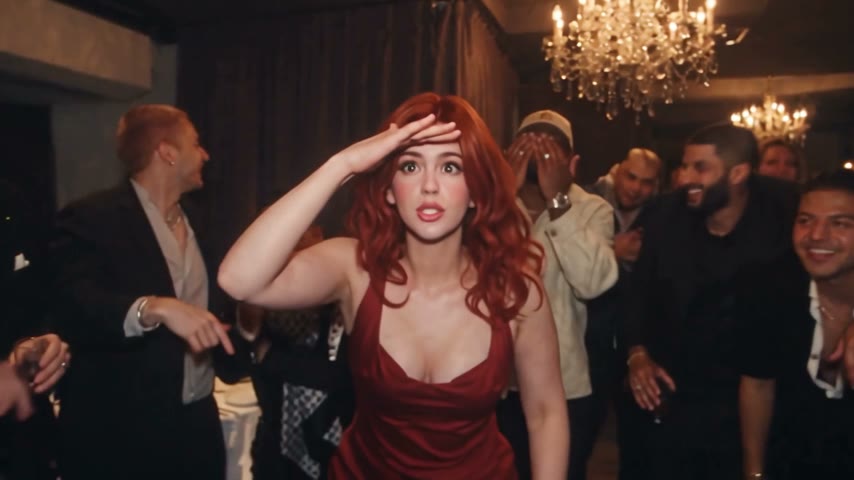
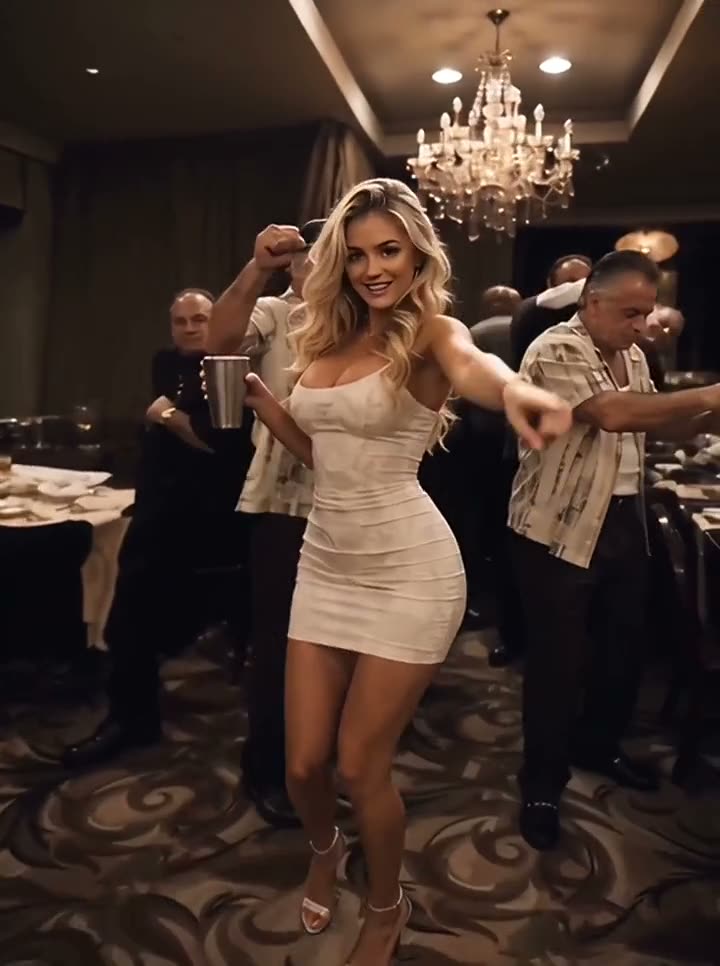
Upload one photo and take the lead in the chandelier-lit party from the music video: the cup raise, the “Where she at?” look, the original song. One click, one 15-second video.
JPG, PNG or WebP, up to 10 MB. One person, pet or character, facing the camera. Only upload yourself or people who agreed to it: no public figures, no one under 18.
- Output
- 16:9 · 15 seconds · MP4 with the original song
- Price
- 150 credits per video
Made with this generator from one AI-generated photo: one new lead, the chandelier room, the original song.
Burning Bridges AI video examples
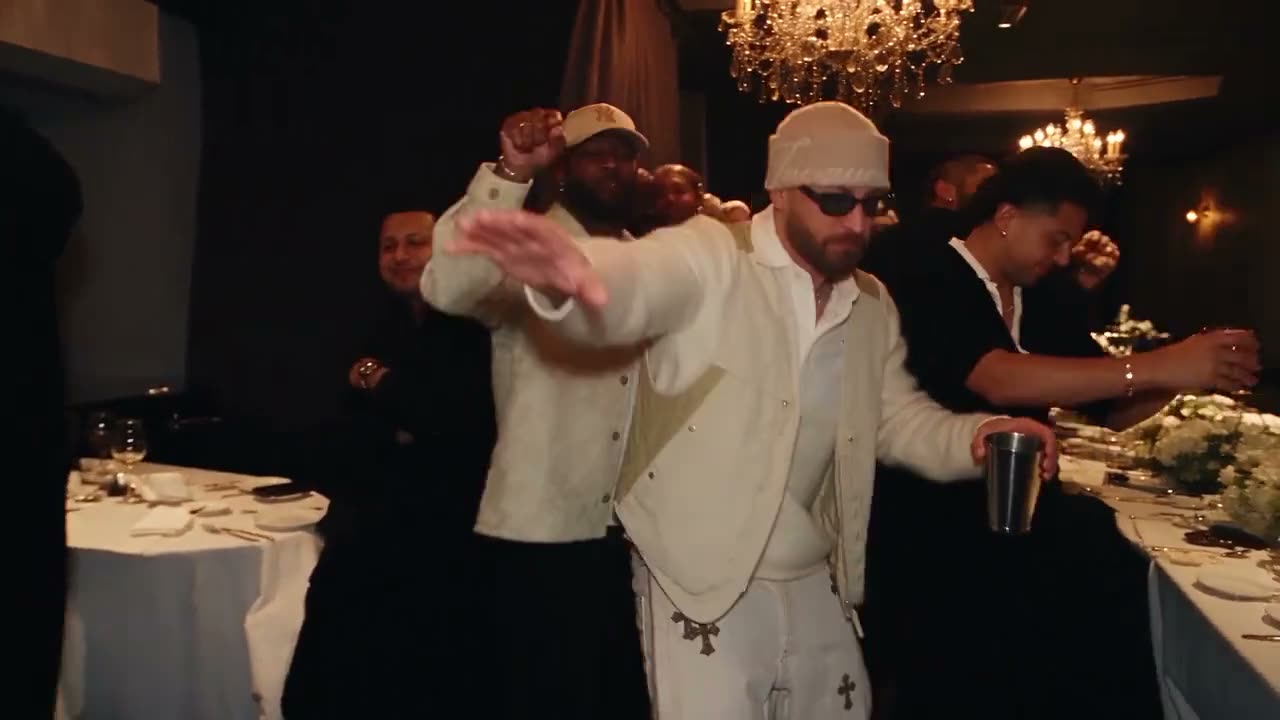
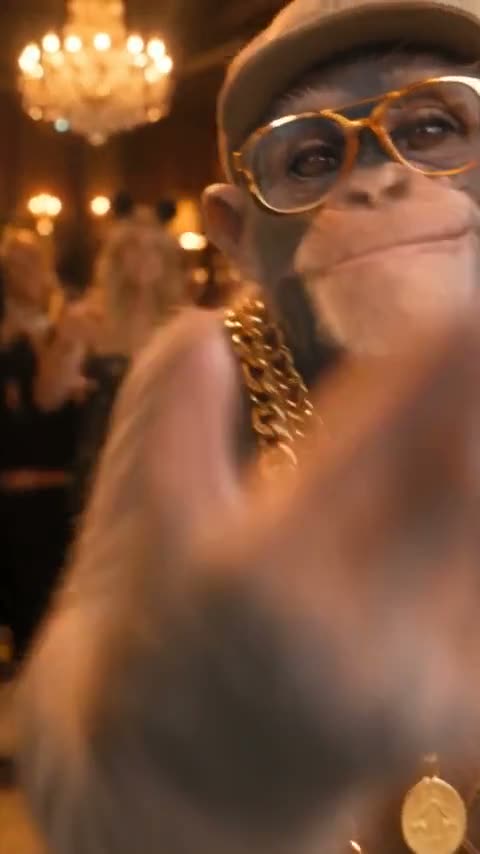
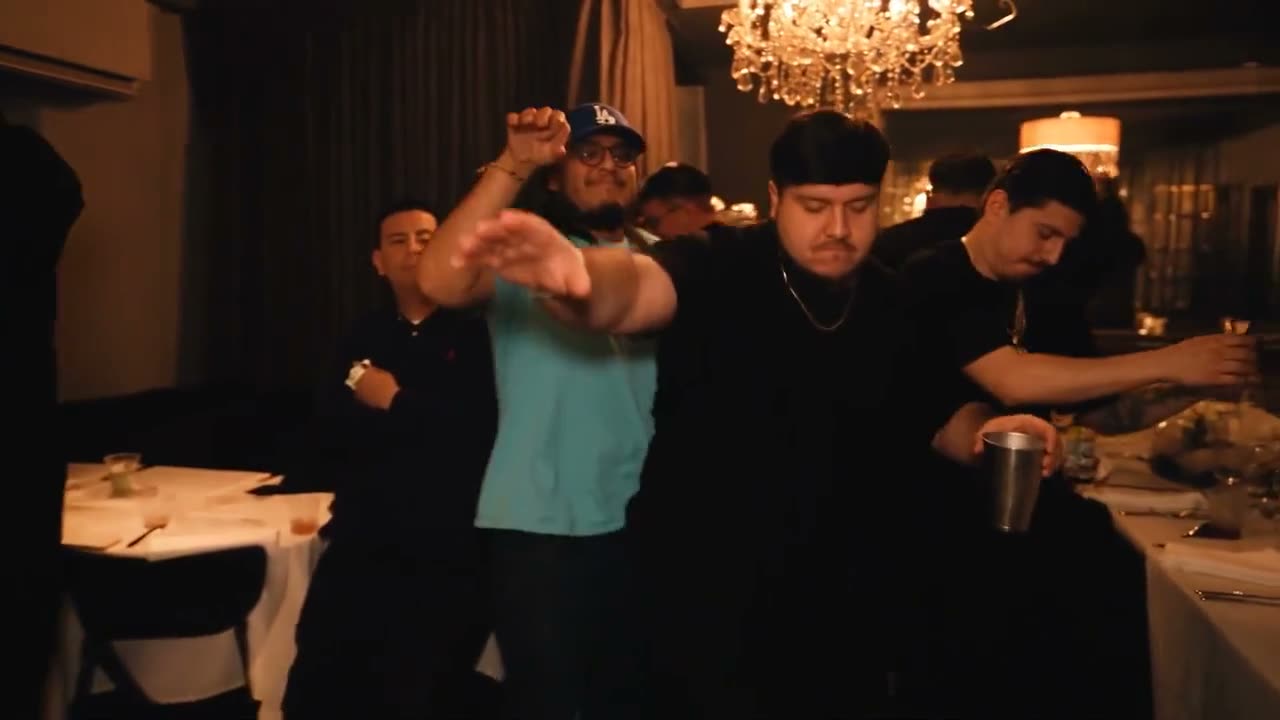
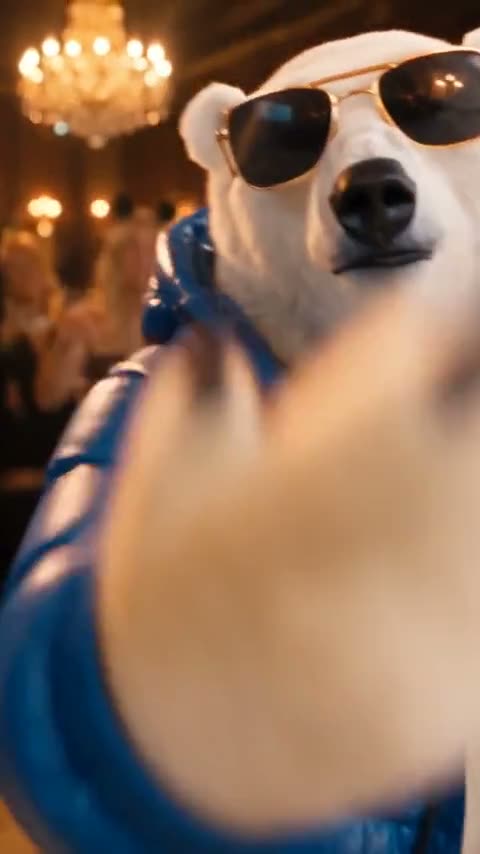
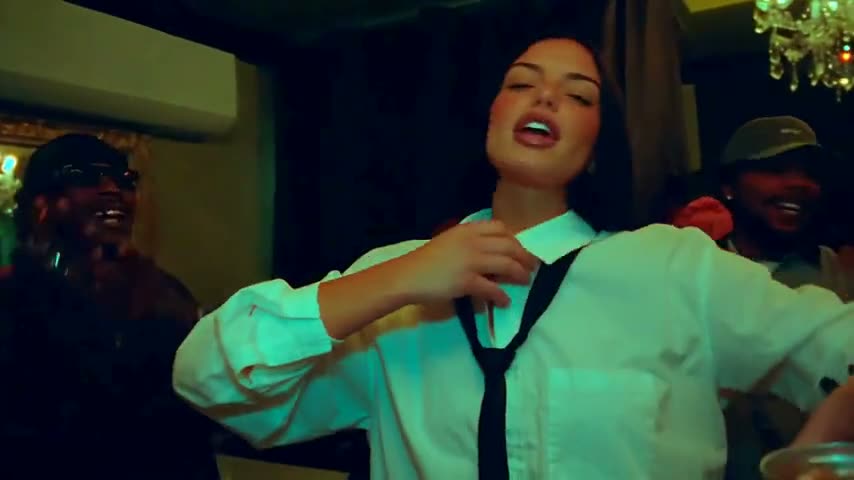
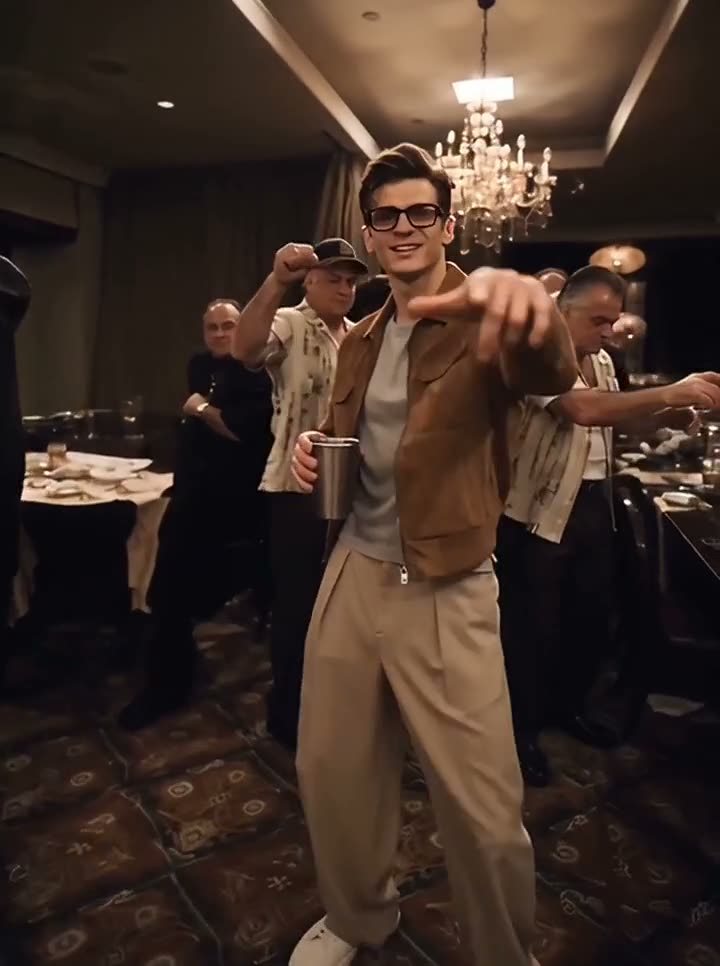
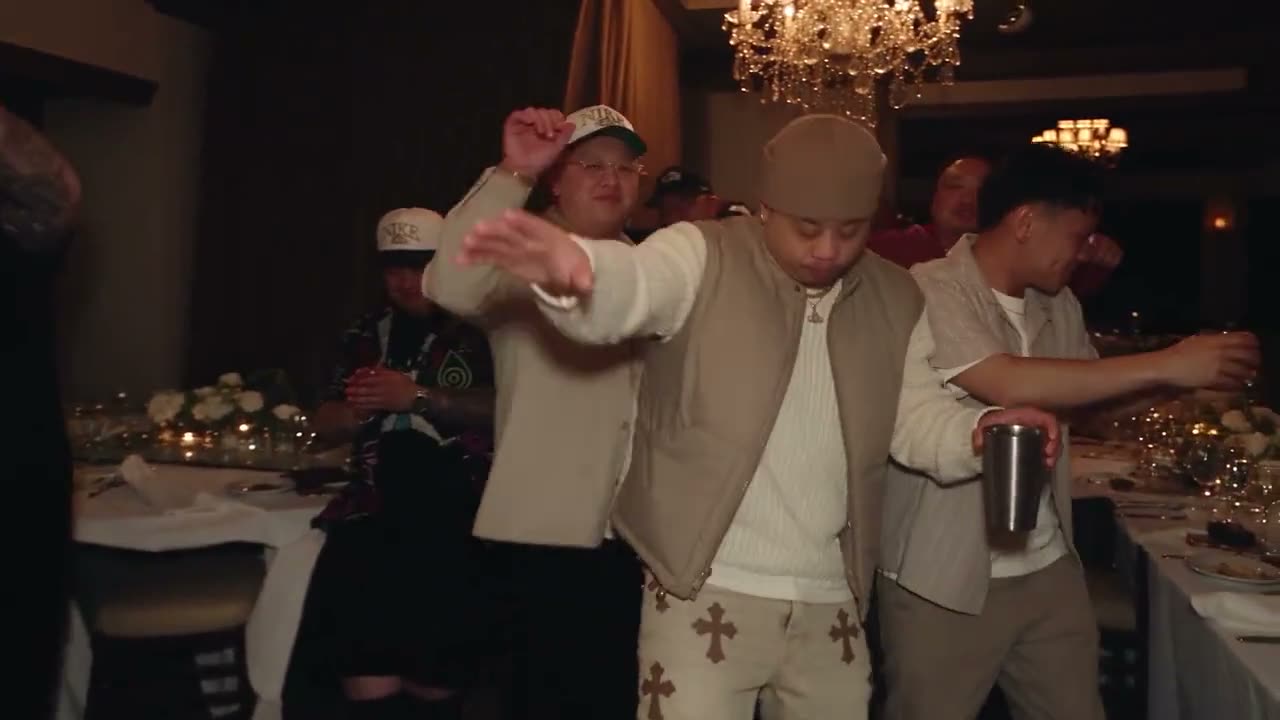
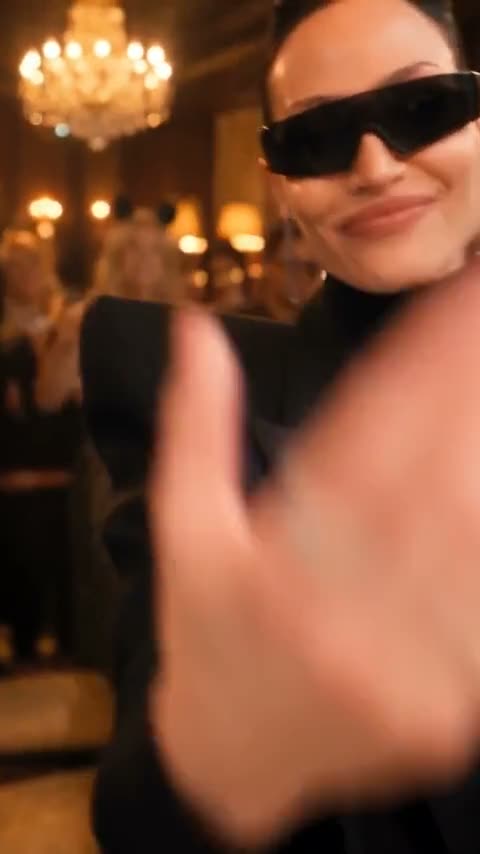
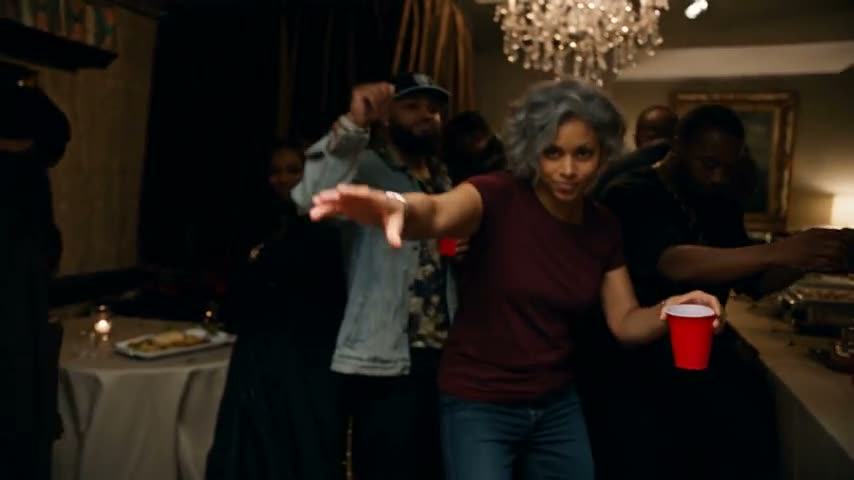
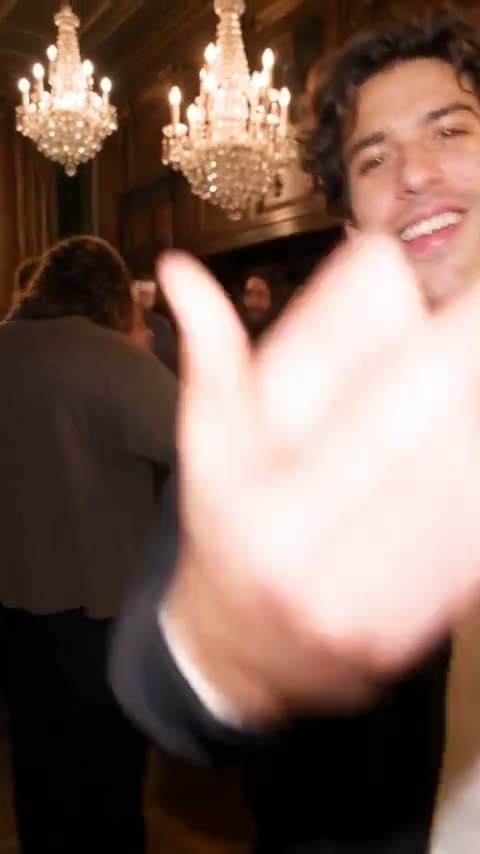
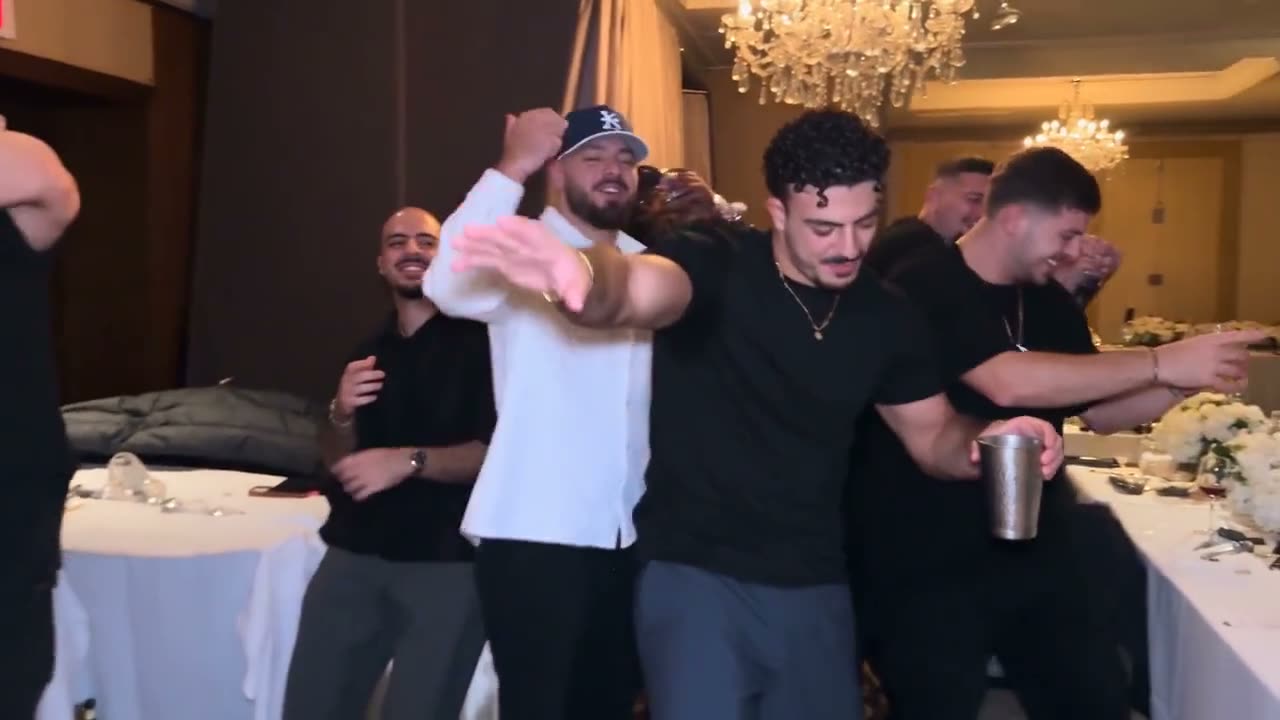
Burning Bridges AI videos made with different AI tools, collected from around the web. Each clip credits where it came from. The generator here makes a 16:9 clip like the wide ones.
How it works
- 1
Upload one photo
One person, pet or character, facing the camera, face clearly visible. Waist-up works best, because the outfit carries over into the video.
- 2
Press make video
One click, 150 credits. The music video's party scene is rebuilt around your photo: same room, same crowd, same camera, same gestures.
- 3
Download your clip
About 7 minutes later you have a 15-second MP4 with the original song. It is saved in My videos, so you can leave the page while it renders.
Why it looks like the real thing
The real scene, the real moves
The party scene from the music video is the base, so the handheld camera, the crowd, the chandeliers and every cup raise and hand-over-the-eyes look land where they do in the original.
Original song kept
The track plays as it does in the video, already in sync with the gestures. Nothing to line up, nothing to add.
One photo is enough
No second upload, no costume, no prompt to write. Your face, hair and outfit come from the photo; the pose and timing come from the scene.
MP4, no watermark
A clean 16:9 MP4 you can download right away and share with your friends.
Pricing
One-time credit packs. No subscription, and your credits never expire.
150 credits per video · failed videos are refunded automatically
Starter
300 credits, pay once
- 300 credits
- About 2 videos (16:9 · 15 s)
- Failed videos refunded automatically
- Credits never expire
Creator
1,200 credits, pay once
- 1,200 credits
- About 8 videos (16:9 · 15 s)
- Failed videos refunded automatically
- Credits never expire
Pro
2,200 credits, pay once
- 2,200 credits
- About 14 videos (16:9 · 15 s)
- Failed videos refunded automatically
- Credits never expire
Business
5,000 credits, pay once
- 5,000 credits
- About 33 videos (16:9 · 15 s)
- Failed videos refunded automatically
- Credits never expire
Burning Bridges AI FAQ
How does the Burning Bridges AI video generator work?
Upload one photo and press make video. The generator takes the party scene from the music video as its base and replaces the lead with the person in your photo: same room, same crowd, same handheld camera, same gestures, original song. You get a 15-second 16:9 MP4.
What photos work best?
One person per photo, facing the camera, face clearly visible, in even light. Waist-up or full-body shots work best because the outfit carries over. Avoid sunglasses, heavy filters, group shots and blurry screenshots. JPG, PNG or WebP, up to 10 MB.
Can I put my pet or a cartoon character in it?
Yes. Pets and illustrated characters work, but results vary more than with people, because the gestures are made for human hands. A clear, front-facing picture with the whole body in view helps. Use your own pet or your own original character.
How long does it take?
Usually about 7 minutes. You can leave the page while the video is being made; it is saved in My videos.
How much does it cost?
A video costs 150 credits. Credits come in one-time packs from $9.90 for 300 credits (two videos), with no subscription, and they never expire. Failed videos are refunded automatically.
What if a video fails or looks wrong?
Failed videos are refunded automatically: the credits go straight back to your balance. If a video finishes but is clearly wrong, for example the original performer is still visible, email us within 7 days and we will review it.
What do I get, and can I post it?
A 16:9 MP4, 15 seconds long, with the original song and no watermark, kept for 30 days. It is for personal sharing only: the song and the music video belong to their rights holders, so we cannot grant commercial rights, and platforms may mute or limit clips with copyrighted music.
What happens to my photo?
It is used only to make your video and deleted automatically after 7 days. Videos are deleted after 30 days, or earlier if you delete them in My videos. We never use your photos to train AI models.
Can I upload anyone?
Only yourself or people who agreed to be in the video. Photos of celebrities, politicians and other public figures, and photos of anyone under 18, are not allowed.
Is this affiliated with Drake or the music video?
No. Burning Bridges AI is an independent video tool and guide to the trend. It is not affiliated with Drake, his label or the makers of the “Burning Bridges” music video.
From the blog
All posts“Where she at?”: the gesture behind the Burning Bridges AI trend
Where the hand-above-the-eyes look comes from, how it went viral at the World Cup, and how to keep your face intact when you do it in an AI video.
Who to put in your Burning Bridges AI video: 8 ideas that land
Yourself, your dog, your grandma or an original character: eight leads for the chandelier party, and the photo that makes each one work.